
ZooDelivery
Postcards with character!
Write a note, pick an animal courier, and follow the delivery: coins, XP, and daily adventures on iPhone.
Three steps to “delivered”
The postcard’s path is short and clear, just like in the app.
-
1
Make a postcard
Pick a background, write a line, or use a ready-made one. The note is ready to send.
-
2
Choose a courier
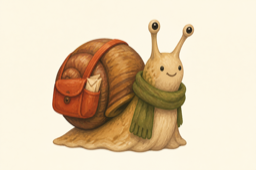
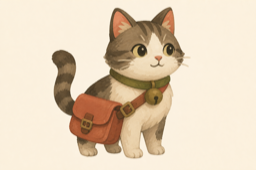
Snail, dog, deer, or cat: each has its own speed and delivery personality.
-
3
Follow the track
Watch the courier race to the recipient, collect coins along the way, and claim the reward.
Animals with character
Browse the roster from the calmest delivery to a full sprint.


A game around delivery
Every send feeds your progress: coins on the account, XP toward the next courier level, daily quests, and achievements for memorable deliveries. Not a dashboard — a little world around a postcard.
- 🪙 Coins for the journey
- ✨ XP and levels
- 🎯 Daily quest
- 🏆 Achievements
In pictures
This is how ZooDelivery looks on iPhone: from the hub to the profile.


